Give your ideas
a place to grow.
Organize garden beds and planting plans. Keep track of what belongs where and what you want to plant next.
Keep track of what you planted, when you planted it, and how it grew. Plan for future seasons with planting insights and support from Garden Journal: Planner.
Open the web app in your browser. Account required for garden records.
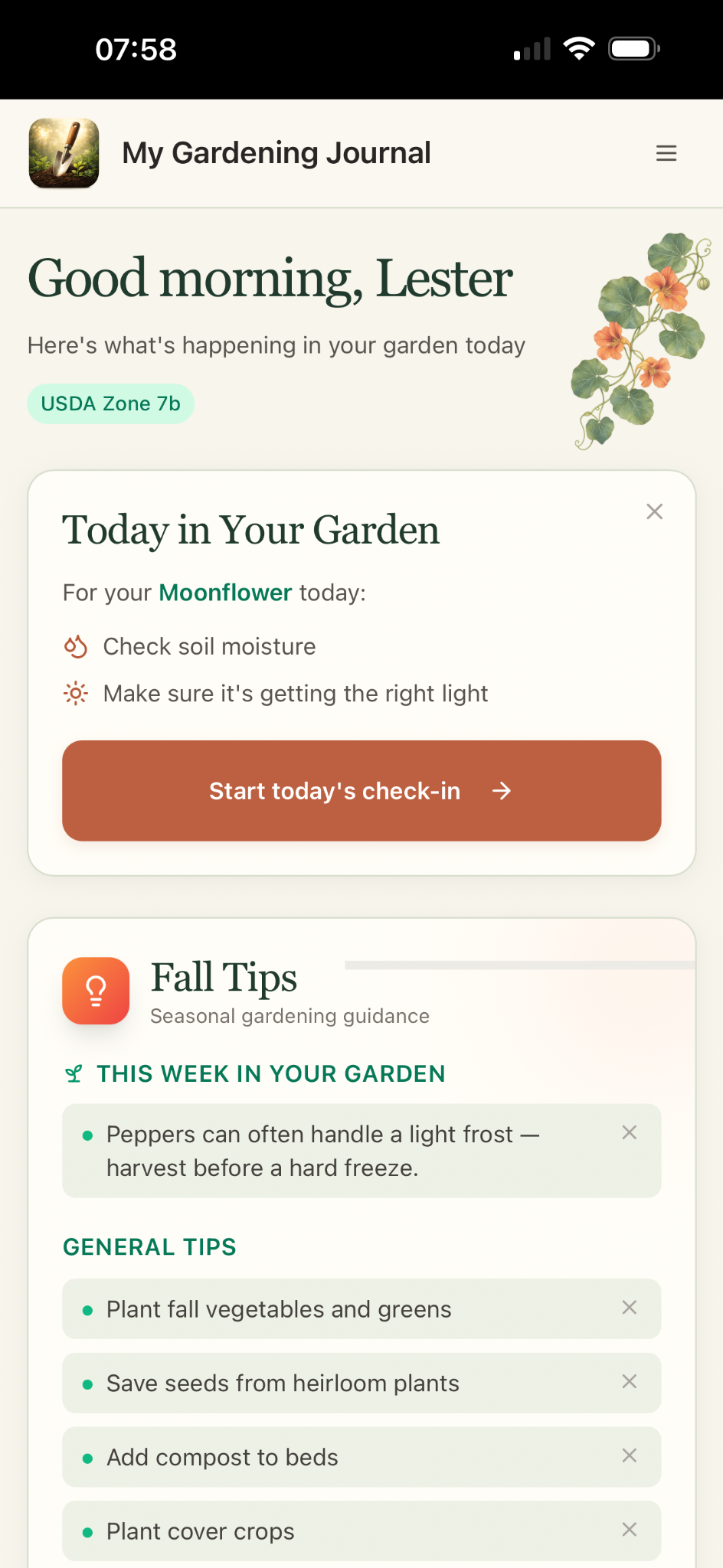
Keep the details that make your garden yours, whether you’re growing vegetables, flowers, or a few favorite herbs.
Organize garden beds and planting plans. Keep track of what belongs where and what you want to plant next.
Build plant records with growing details and notes. Organize recurring care tasks so your routine is easier to follow.
Capture observations, photos, and journal entries. Keep a record you can look back on when planning the next season.
Share your experiences, ask questions, and learn from fellow gardeners in the Garden Shed Community. Bring your discoveries, your challenges, and your curiosity—there’s always something to learn from one another.
The first ripe tomato today.
The sunnier bed did better.
Next season: give the basil
a little more room.
Gardening is full of small discoveries. A journal gives those moments somewhere to stay, alongside the plants and plans they belong to.
It’s an app for organizing garden beds, plants, planting plans, recurring care tasks, journal entries, and photos. It brings your planning and garden records together.
Yes. Select “Open App” to sign in and use Garden Journal: Planner in your browser.
No. You can keep records for vegetables, flowers, and herbs, and organize the garden around what you grow.
Open the app to review the current subscription options and any available trial before subscribing.
Yes. Download Garden Journal: Planner on the App Store to use it on your iPhone.
Yes. In the app’s settings, choose metric (meters and centimeters) or imperial (feet and inches) for supported garden measurements.
Yes. Settings include USDA, Canadian, UK (RHS), European, Japanese, Australian, and New Zealand zone systems. Choose your zone and the Northern or Southern Hemisphere to adjust seasonal guidance. You can also save your average first and last frost dates.
The website and app offer English, French, Spanish, German, Japanese, Greek, and Scottish Gaelic. Choose the website language above; set the app language separately in its settings. Screenshots and external pages may remain in their original language.
Make room for the next season
Bring your plans, plants, and discoveries together.
Open Garden Journal: Planner ↗